NOTES FROM THE TEAM
AI answering service vs. traditional answering service for medical offices
I’ve sat in enough practice-manager meetings to recognize the moment. Someone pulls up the answering-service invoice, sees a number that’s bigger than they expected, and says ‘wait, why are we paying this?’ Then somebody else says ‘I think it’s the after-hours overflow’, and the room goes quiet because nobody’s actually sure.
An AI medical answering service has one job: turn every caller into a useful, structured record. Traditional services do that with people and scripts. Both can work. The question isn’t really ‘is AI good enough’ — it’s ‘which one captures the seven intake fields my front desk would have written down?’
What follows is the comparison I’ve talked through in person with a couple dozen practices in the last year. Some of them switched to DeskMD. Some of them stayed with their traditional service for good reasons. I’ll try to be honest about both.
Related: DeskMD pricing and DeskMD vs Smith.ai.
The cost math: per-minute traditional vs per-provider AI
Traditional medical answering services charge per minute or per call. Ruby Receptionist starts at $250/month for 50 minutes and scales by minute bundle. AnswerConnect Entry is $350/month for 200 minutes plus a $49.99 setup fee and $2.50 per overage minute. Smith.ai virtual receptionists are $300 for 30 calls and $2,100 for 300.
A practice with three providers handling 250 inbound calls a month at an average of 4 minutes per call generates 1,000 receptionist minutes. On a per-minute traditional plan that’s roughly $1,500 to $2,500 a month plus surcharges. On DeskMD per-provider pricing it’s $897 for Standard or $1,347 for Pro — every month, regardless of call volume.
Per-minute pricing punishes the practices that need answering the most. Per-provider pricing rewards the practice that grows. We figured this out the hard way watching one of our pilot clinics get hit with a $3,400 December bill from their old service after their flu-season call volume spiked. They asked us why we hadn’t warned them. Fair question.
Structured intake: seven fields every call, not freeform messages
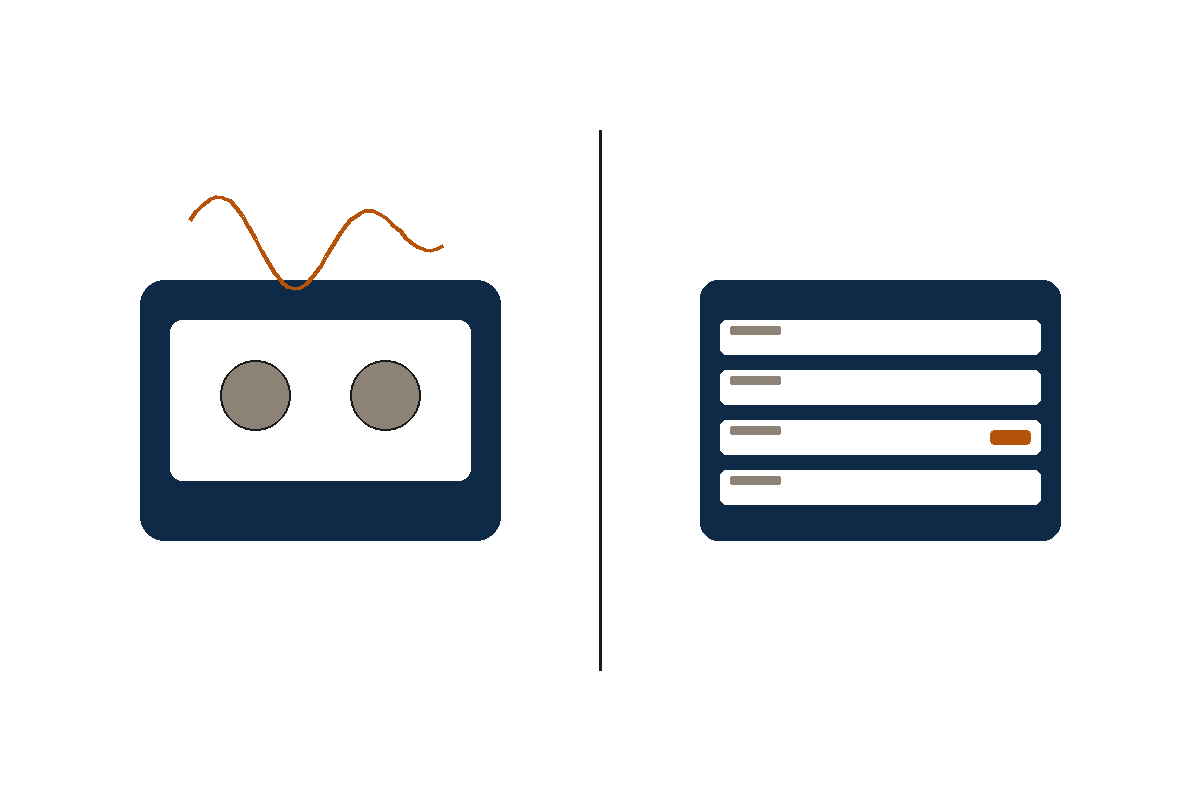
A traditional answering service takes a freeform message. A receptionist hears the caller, writes a paragraph, and sends it to your team. The quality of that message depends on the receptionist that night and the script your office wrote.
An AI medical answering service captures the same seven fields every call: caller name, callback number, provider name when mentioned, reason in the patient’s own words, urgency, category, verbatim transcript with timestamps.
For your morning huddle the difference is real. A queue of structured cards triages in five minutes. A queue of paragraph messages takes thirty.
- Caller name and best callback number
- Provider name when the caller mentions one
- Reason for the call in the caller’s own words
- Urgency: routine, urgent, or emergency
- Category: appointment, refill, billing, results, referral, emergency, other
- Verbatim transcript with timestamps
- Recording stored under your retention policy
After-hours coverage without the surcharge
Most traditional services charge a higher rate after 5pm, on weekends, and on holidays. Sometimes it’s a 1.5x multiplier. Sometimes it’s a flat $100 to $300 monthly add-on. For practices that mostly use answering after-hours, that lift is significant.
An AI medical answering service has no after-hours surcharge. Cost is identical at 2 AM Sunday and 10 AM Tuesday. For a clinic that uses answering exclusively after-hours, the same price across all 168 hours can cut effective per-call cost by 30 to 80 percent.
Coverage parity also helps consistency. The same intake card lands in your inbox whether the call comes during business hours or at 3am — same fields, same triage, same callback flow.
HIPAA mechanics: what each model promises and what to verify
Traditional answering services typically offer HIPAA as an add-on. The base service often isn’t HIPAA-compliant; customers opt into a separate HIPAA workflow, sign a BAA, and verify subprocessor disclosure. Some vendors charge extra. Some include it on certain tiers.
DeskMD is designed for BAA at every plan, with subprocessor BAA completion required before production PHI use. Audit logs target a six-year retention aligned with 45 CFR §164.316(b)(2)(i). PHI redaction tools and tenant isolation are part of the architecture.
Whichever direction you go, ask for the BAA in writing, the subprocessor list, the retention schedule, and the redaction workflow before any patient call carrying PHI flows through. If the vendor can’t hand you the BAA before the demo, that’s information.
Multilingual support: where AI changes the math
Traditional services typically offer English plus Spanish on premium tiers. Anything beyond bilingual is usually a per-language surcharge or a different team.
DeskMD Pro supports 20+ languages at native quality with additional best-effort coverage. The voice model handles the patient in their language without a manual handoff to a different receptionist.
I’m not going to pretend the AI is fluent in Tagalog the way a native speaker is. It isn’t. But it’s good enough that a Vietnamese-speaking patient gets a real intake instead of voicemail. That’s the gap that matters for most practices.
Where a traditional answering service still wins
AI isn’t right for every practice. Two cases still favor traditional: extremely low call volume (under 30 inbound calls a month, where per-call pricing comes in under $200) and complex multi-stop outbound dispatch where human judgment is faster than rule trees.
For paging on-call surgeons across hospital systems, coordinating with skilled-nursing facilities, or handling a wave of calls during a public-health event, a trained human team can be the safer choice. A hybrid setup — AI for inbound intake, traditional for complex outbound — works for some practices.
For most steady-volume primary care, dental, and veterinary practices, the math now favors AI. But the wrong question is ‘which is better’. The right question is ‘which fits how my practice actually runs the phone’.
Common questions
Questions practices ask first
Is an AI medical answering service as warm as a human?
Modern voice models are warmer than most people expect. Most patients need to be told they’re talking to AI; they don’t assume it. We tell every pilot practice to listen to ten sample call recordings before they decide. That conversation usually settles it.
Can AI handle clinical emergencies safely?
AI services flag emergency language and instruct callers to call 911. They are not a replacement for triage nurses or 911. They surface urgency to the on-call team faster than voicemail. We treat that as the realistic claim, not ‘AI saves lives’.
How fast can a practice switch?
Most practices switch in a single business day. Forward your existing line to the AI service, configure the greeting and intake fields, run a few test calls, then go live. Keep the old service for two weeks if you want a safety net.
Will my staff lose answering-service relationships?
No. AI is for inbound intake, not for the relationships your staff has with regular patients. The structured intake card actually frees staff to spend more time on those relationships.
What if I need a human in the loop?
Hybrid setups are common. AI handles inbound intake and routine triage; a human team handles complex outbound dispatch. Both DeskMD and most traditional services support that pattern.
What to do next
Pilot AI alongside your traditional answering service
Stop missing calls. Start sleeping at night.
Give patients a real answer after hours and give your team a clean record in the morning.