NOTES FROM THE TEAM
Patient intake automation: a 2026 guide for medical practices
I’m always slightly suspicious of the word ‘automation’ in healthcare. Half the time it means ‘we replaced a person with a worse robot’ and the other half it means ‘we shifted the work to the patient’. Real automation should make somebody’s morning faster without making someone else’s worse. That’s the lens I use when practices ask me whether patient intake automation is worth it.
Patient intake automation replaces the freeform paragraph at the bottom of a phone call with a structured record your team can triage in under 30 seconds. The cost shows up on day one. The time savings compound across the year.
What follows is what actually happens when a practice deploys it well, and the failure modes when they don’t.
Related: DeskMD homepage and DeskMD pricing.
What patient intake automation actually means
Patient intake automation is the practice of capturing structured data at the moment the patient calls — not after the call has ended and somebody is trying to reconstruct what was said.
The job has three parts: get the right fields every call, label them consistently, and hand them to the right person on your team.
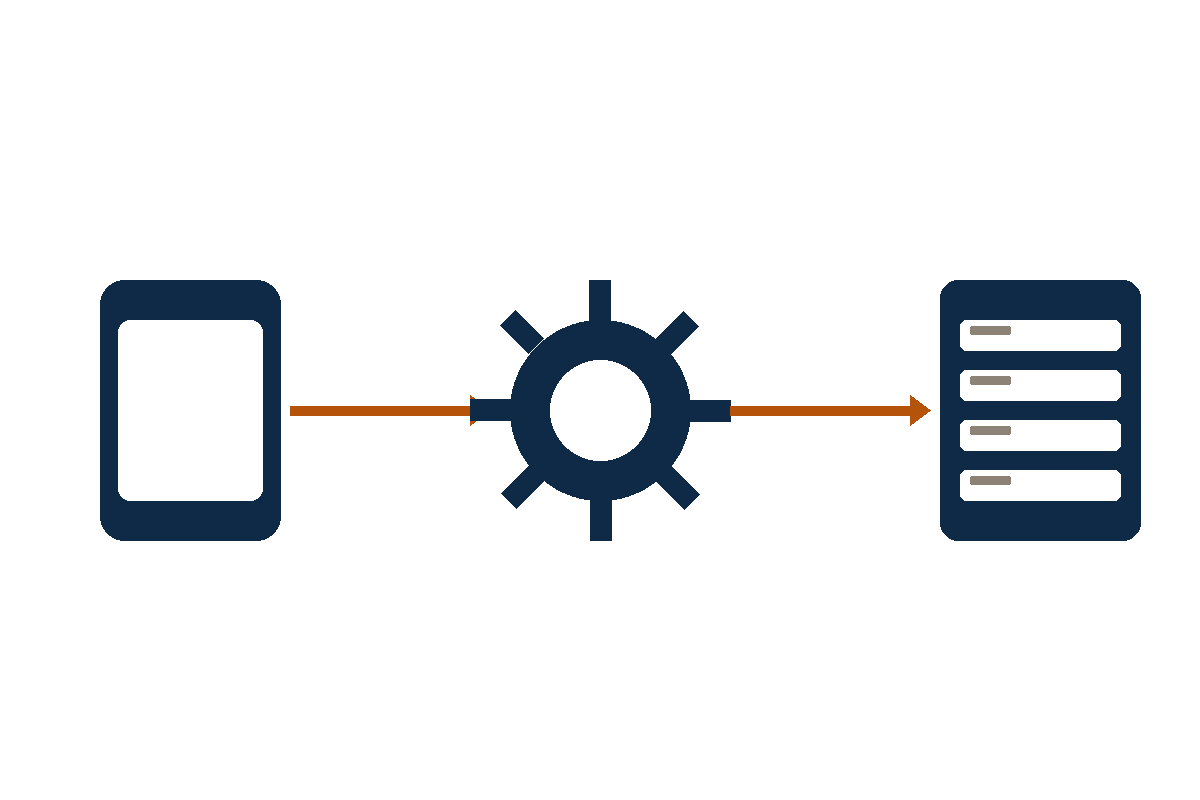
In a manual workflow, all three depend on whoever picked up the phone. In an automated workflow, the AI does the capture, the categorization, and the handoff. The receptionist’s job becomes triage from a clean queue, not transcription from a recording.
The seven fields it should capture
- Caller name and best callback number
- Provider name when the caller mentions one
- Reason for the call in the caller’s own words
- Urgency: routine, urgent, or emergency
- Category: appointment, refill, billing, results, referral, emergency, other
- Verbatim transcript with timestamps
- Recording stored under the practice’s retention policy
How patient intake automation changes the morning huddle
Without automation, the morning huddle starts with the team listening to overnight voicemails. Each one needs interpretation, callback prioritization, and a written summary so the on-call doc can decide who to call first.
With automation, the huddle starts with a triage queue. Each row has the caller, the reason, the urgency, the provider, the verbatim transcript. The team handles the urgent rows first and batches the rest.
The compounding effect is real. Morning triage becomes faster because staff start from structured records instead of voicemail. A 4-provider practice that saves 20 minutes a morning gets back 80 hours of staff time across a year. We’ve watched this happen at every practice that adopts structured intake — without exception.
How it handles HIPAA
Phone calls almost always touch PHI. Names, dates of birth, medications, symptoms, clinical questions all flow through the line. Patient intake automation has to be designed for PHI from the beginning.
That means a signed BAA at every plan, encrypted transit and storage, audit logs of every record access, redaction tooling for accidental disclosures, and a retention schedule aligned with 45 CFR §164.316(b).
It also means honest disclosure of subprocessor BAA status. If the LLM provider hasn’t signed a BAA, that’s a fact the practice has to know before any production PHI is in scope. The marketing page won’t tell you. The vendor should.
EHR handoffs and what to do about them
The honest answer about EHR integration: most modern EHRs support inbound message endpoints, but the integration is rarely turnkey.
DeskMD doesn’t promise direct EHR integration today. SMS and email dispatch are built in, and staff can re-key structured intake into the EHR. Treat direct EHR write-back as future or custom work until it’s explicitly scoped and contracted. We’d rather under-promise on this than over-promise.
For most practices, SMS and email dispatch is enough. The win comes from structured intake at the front end, followed by staff review and EHR entry where needed. Automation doesn’t replace the chart; it replaces the voicemail.
How to evaluate patient intake automation
- Ask for a sample structured record from a real call
- Verify the seven fields are captured every call
- Confirm BAA mechanics are in writing
- Check the urgency triage rules against your specialty
- Run a two-week pilot with the team reviewing the morning queue
- Measure callback time before and after the pilot
Common questions
Questions practices ask first
What is patient intake automation?
Patient intake automation captures structured intake fields at the moment of the patient call rather than reconstructing them later. The output is a triage-ready record for your team.
Does it replace the front desk?
No. It replaces the after-hours voicemail and the during-hours overflow that nobody picks up. The front desk owns the patient relationship; automation handles the gaps.
Is it HIPAA compliant?
Depends on the vendor. Healthcare-built services include BAA-eligible workflows at every plan. Generic call automation tools treat HIPAA as an add-on or don’t support it at all.
How fast can it go live?
Most practices configure intake fields and forward the line in one to two business days. The morning huddle starts using the structured queue the same week.
What to do next
Pilot patient intake automation in your practice
Stop missing calls. Start sleeping at night.
Give patients a real answer after hours and give your team a clean record in the morning.